
Creative moderation
A moderator reviews every creative before its first impression. A creative that fails moderationA review of a creative before it runs. is rejected and does not run until you fix it.
How the review works
- A new creative goes straight to the Moderation tab of its format.
- The moderator checks the creative and the landing page against the requirements and the advertising rules and approves or rejects it. The review usually takes up to 30 minutes.
- During the review, the moderator sets the creative's language, category and age rating. The rating is shown in the creative row after MPA: G, PG, PG-13, R or NC-17. Until the moderator sets it, the row shows Pending.
- An approved creative moves to the Active tab and starts running if Automatically start ads after moderation is selected in the campaign. If the checkbox is cleared, the creative goes to the Inactive tab: start it with the ▶ button in its row.
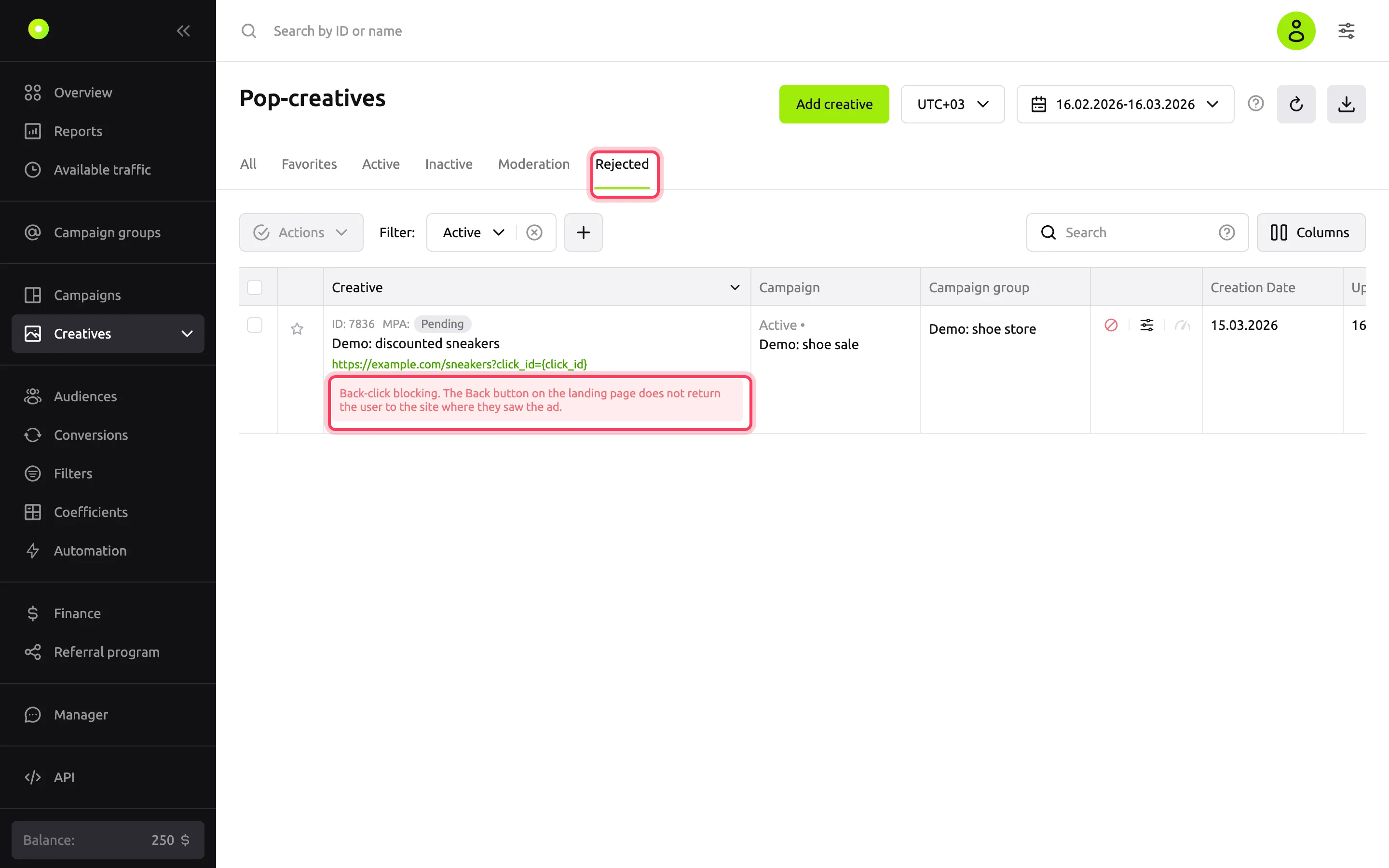
- A rejected creative moves to the Rejected tab.
While a creative is under moderation or rejected, you cannot start or stop it manually: its row shows a status icon instead of the ▶ button.
Where to find the rejection reason
The reason is shown in red in the creative row on the Rejected tab.
The same reason appears at the top of the creative form: open the creative by its name.
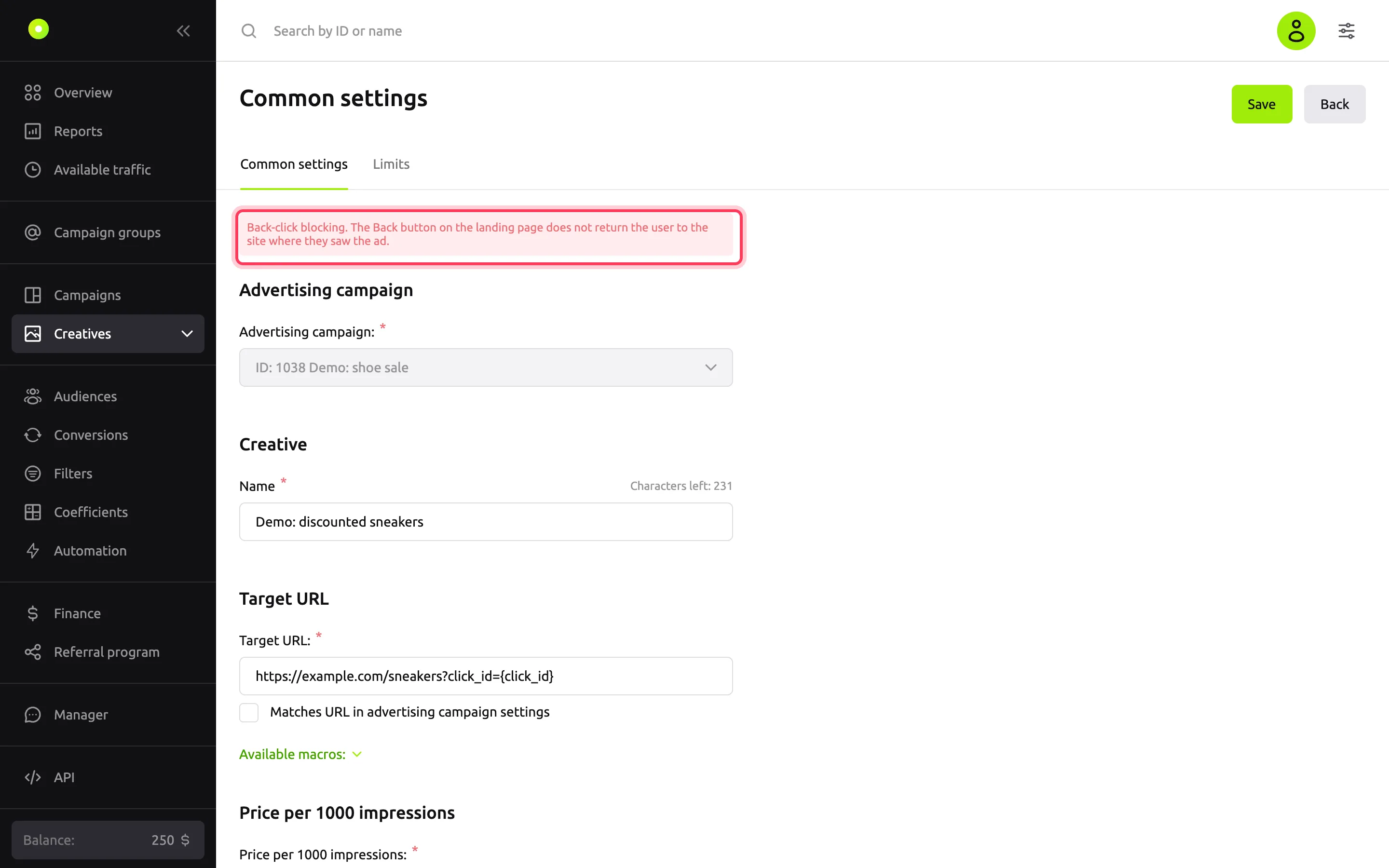
The reason contains one or more items from the list of violations and a comment, if the moderator left one. The items are shown in the dashboard language selected in your view settings. For what each item means, see Creative and landing page requirements.
How to send a creative for another review
- Open the rejected creative by its name.
- Fix what the reason points to: the text, the image or the URL. If the violation is on the landing page, fix the page first.
- Click Save.
The creative moves to the Moderation tab. If you save a rejected creative without changes or change only the price, it stays rejected.
When a creative goes back to moderation
A creative goes back to moderation after any edit except the price and the domain in the URL. This applies to active creatives too: they stop running while under review.
| What you changed | Moderation again |
|---|---|
| Name, text, image, video or other creative content | Yes |
The part of the URL after the domain: path, parameters, anchor, or http to https | Yes |
| The Matches URL in advertising campaign settings checkbox | Yes |
| The part of the campaign's Target URL after the domain, for creatives with Matches URL in advertising campaign settings selected | Yes |
| Only the domain in the URL, including through Replace URL in the creative list | No |
| Only the price, including a bulk price change in the creative list | No |
For banners and video, the checkbox is called Matches URL in campaign settings.
If you clear the Target URL in the campaign, creatives that used the campaign URL move to the Inactive tab. Their Matches URL in advertising campaign settings checkbox is cleared: set a URL in each creative.
Copies made with Copy also go to moderation. A copy of a rejected creative stays rejected.
To change the price, replace the URL or copy several creatives at once, see Change the price and URL and copy creatives in bulk.
WARNING
After another review, a creative becomes active only if Automatically start ads after moderation is selected in the campaign. Without the checkbox, a creative that was running before the edit lands on the Inactive tab after the review, and you have to start it manually.
What happens if you break the rules
- A creative with a violation is rejected. It does not run until you fix it and it passes moderation again.
- The moderator can also reject a creative that is already running, for example if the landing page changed after the review.
- An active creative can go back to the Moderation tab even if nobody changed it: this happens when the automatic quality check finds a possible violation.
If the rejection reason is unclear, contact your manager: the contacts are under Manager in the left menu. Include the creative ID.